
Find overlap
See when the same ingredient appears in multiple products.
Ingredient views
The same ingredient can appear across capsules, powders, multis, probiotics, and blends. Stack Genius helps you look beneath the bottle name so you can understand the contents of your routine more clearly.
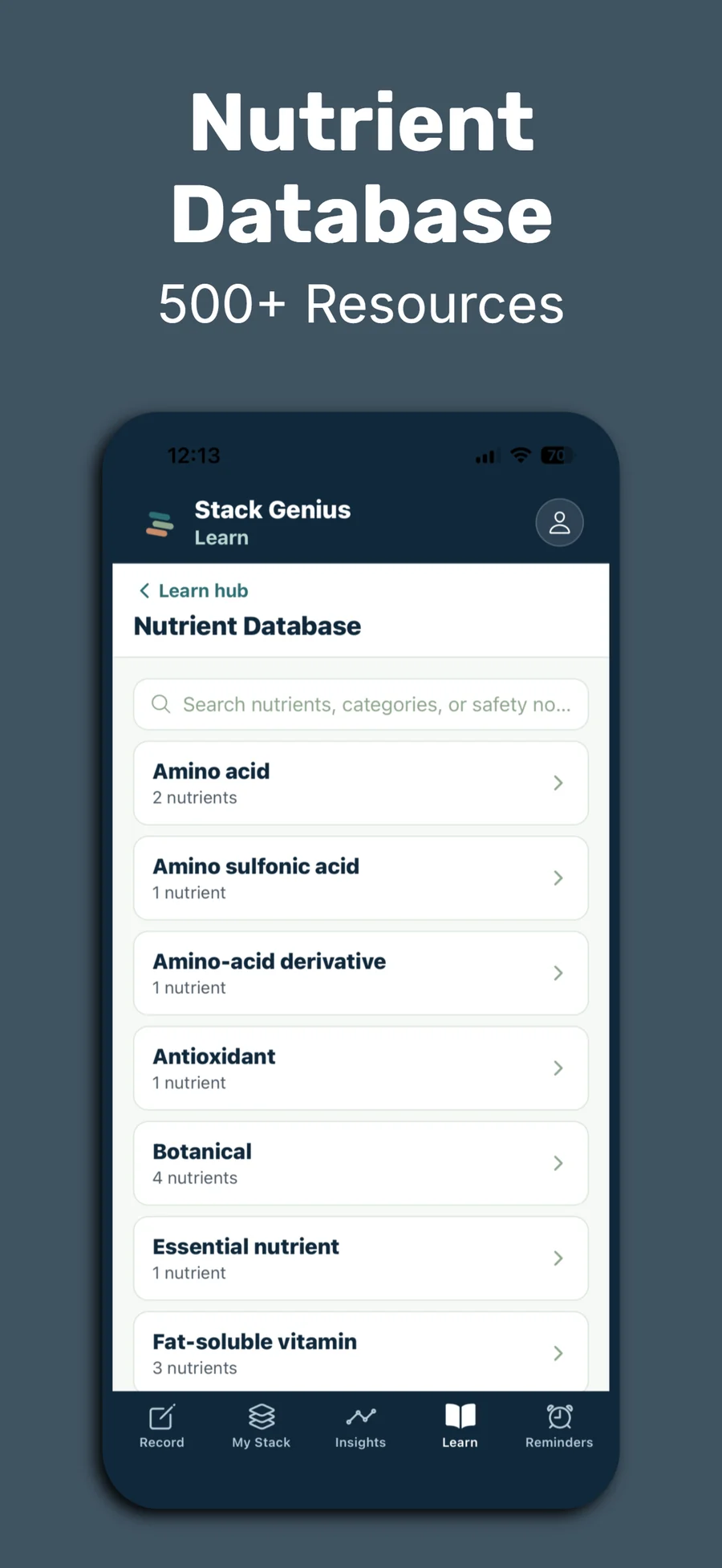
Product labels are useful, but they can hide duplication and make comparison harder. Ingredient views let you see the nutrients and compounds that appear across your products, then connect those ingredients back to the supplements in your stack.
That structure is especially helpful when you are comparing two products, reviewing a multivitamin, or trying to simplify a routine that grew over time. It is one reason the app is more than a checklist-style tracker.
See when the same ingredient appears in multiple products.
Connect each ingredient back to the supplement label it came from.
Use ingredient pages and Learn content to understand common questions.
Stack Genius also publishes ingredient guides so people can learn more before or after they organize their own routine in the app.
Try the app
Download Stack Genius, add a few supplements, and start reviewing your routine through product and ingredient views.